How the Explorer Works
A peek behind the pictures: how a few lines of arithmetic, repeated millions of times, turn into images you can fly through, even down to a magnification of 10300.
One formula for five fractals
Every escape-time fractal in the explorer is written as a single rule. Take the current number , optionally fold it (the "pre" step), raise it to the power , optionally fold the result (the "post" step), and add the constant .
Plain text: z → post(pre(z)^p) + c
Folds are small reflections: the absolute value of the real part or of the imaginary part, or the complex conjugate. Different folds give different fractals. For power 2, with and :
| Fractal | Folds | One step |
|---|---|---|
| Mandelbrot | none | , |
| Burning Ship | , before squaring | , |
| Tricorn | conjugate before squaring | , |
| Celtic | after squaring | , |
| Buffalo | both before, and after | , |
Mandelbrot-style views start at and let vary with the pixel. Julia views fix and let the starting vary. The power can be any value from 1.5 to 12: whole numbers use exact repeated multiplication, and fractional ones use the principal branch of the complex power, which leaves a seam.
Escape-time iteration
For each pixel the explorer repeats the rule and watches the size of . If ever exceeds 65536, which means passes the escape radius , the pixel is declared to have escaped and the loop stops. If a pixel survives to the iteration limit it is painted black. The limit is chosen automatically and rises as you zoom in, because deeper views need more steps to separate nearby points. The classic radius for the Mandelbrot set is only 2; a larger one makes the smooth coloring below work better.
Smooth coloring
Counting whole steps gives ugly bands. The fix is a fractional count saying how far into the last step the orbit escaped. With final value after steps and escape radius :
Plain text: mu = n − log_p( log|z|² / log R² )
The idea is simple. When an orbit is far from zero, one more step raises its size to roughly the -th power, which multiplies by about . Taking of the ratio tells you what fraction of a step the orbit overshot the radius. Using the actual power rather than a fixed keeps the bands continuous at every power.
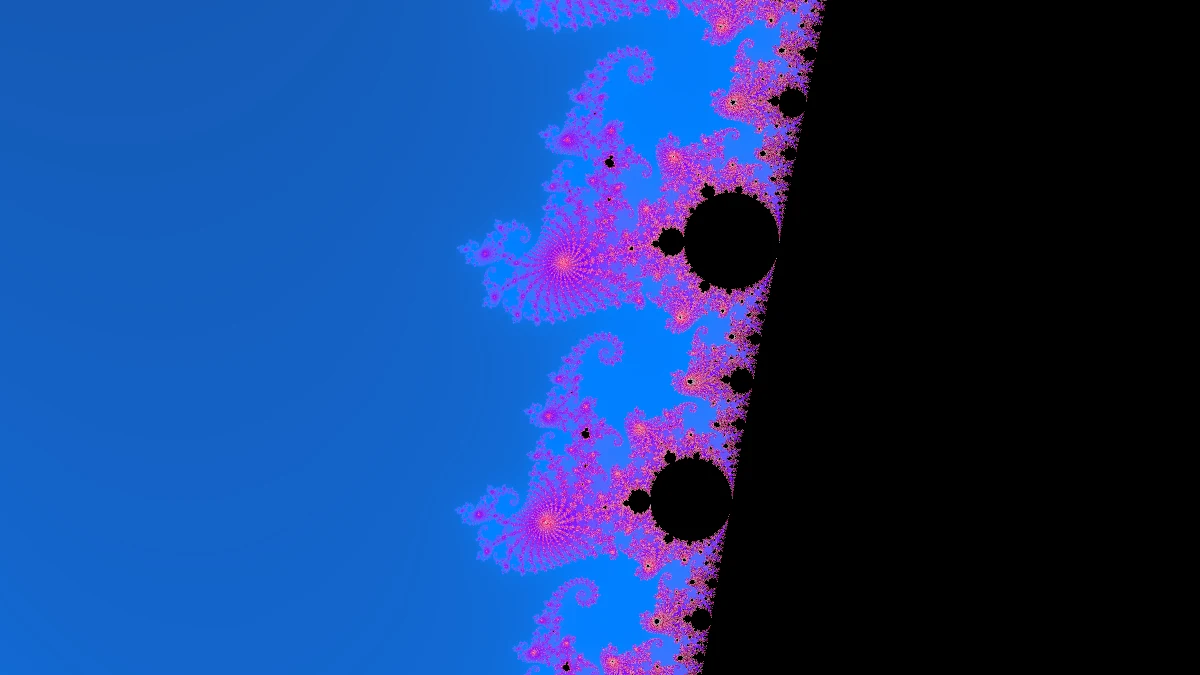
The number is then mapped to a position in a palette. The default, Classic, sweeps the palette once from the outer bands to the iteration limit, so its colors shift when the limit changes. Three cyclic mappings, square root, logarithmic and linear, depend on alone. They differ in how much they squeeze the high values near the set, so the bands look wider or narrower there. Palettes are blended in the OKLab color space, designed so that equal steps look equally different to the eye. Density and offset sliders stretch and shift the palette, and the C key animates the offset: color cycling.
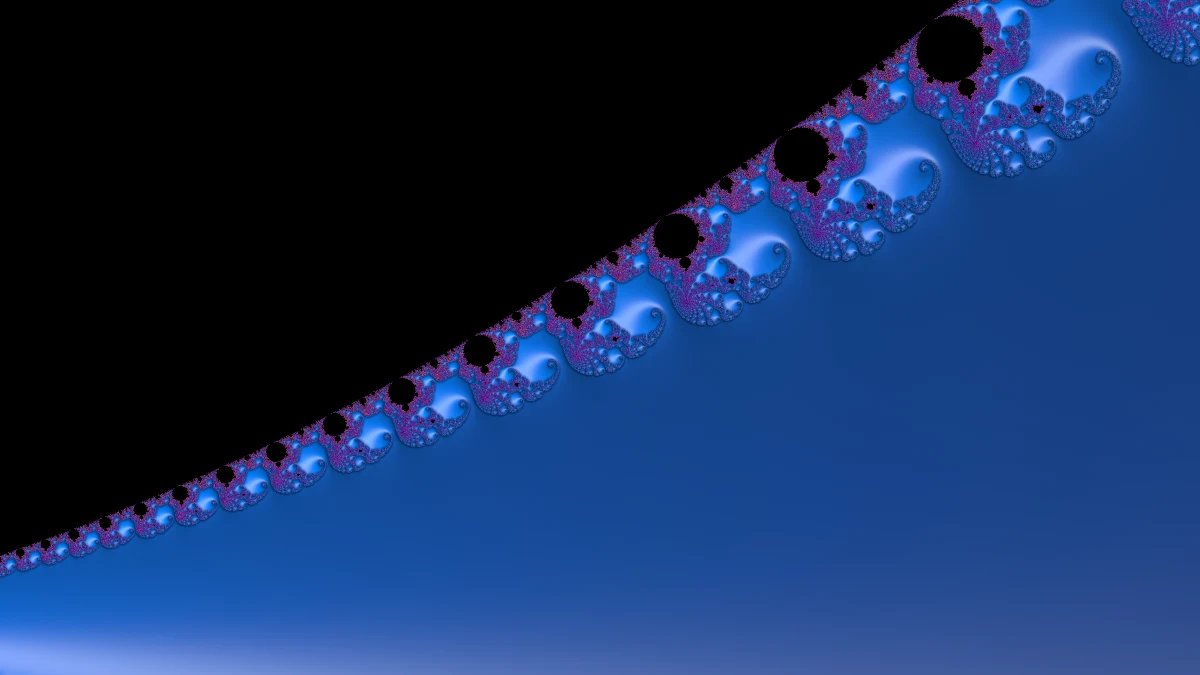
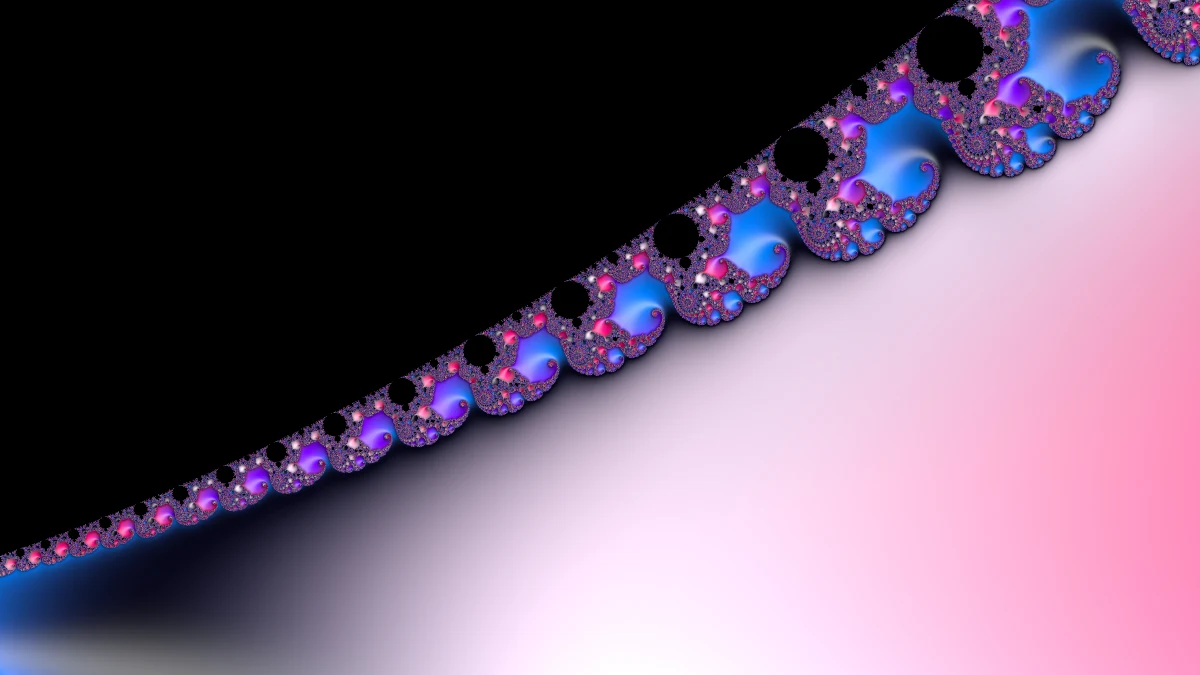
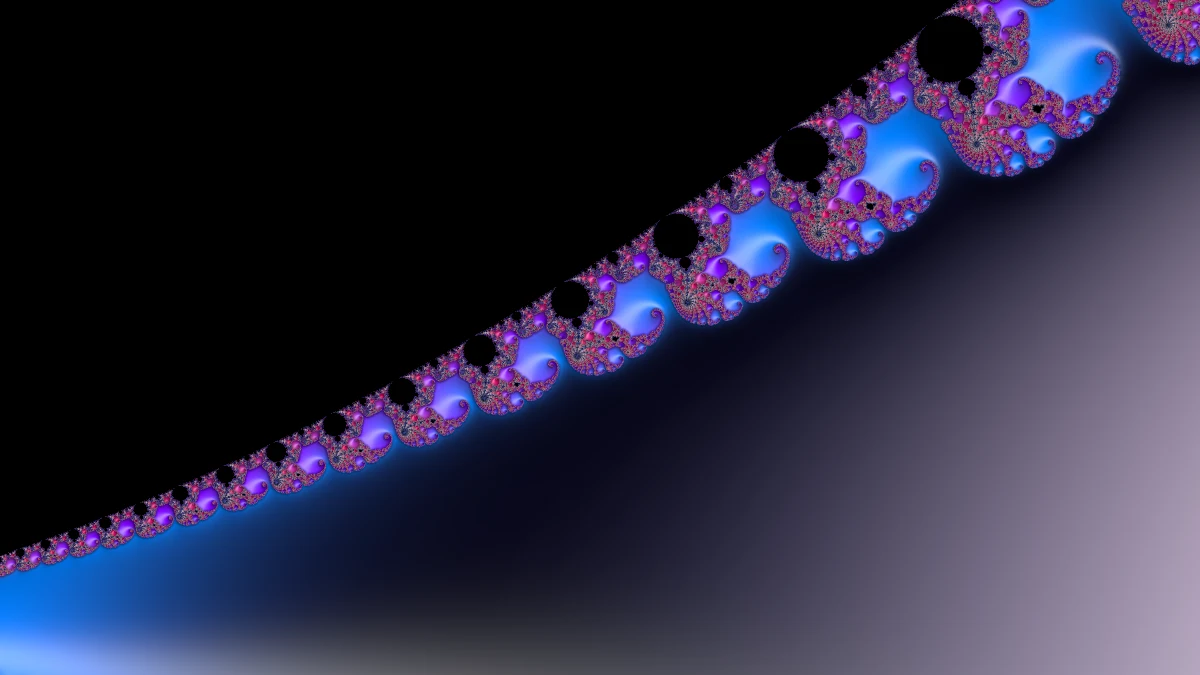
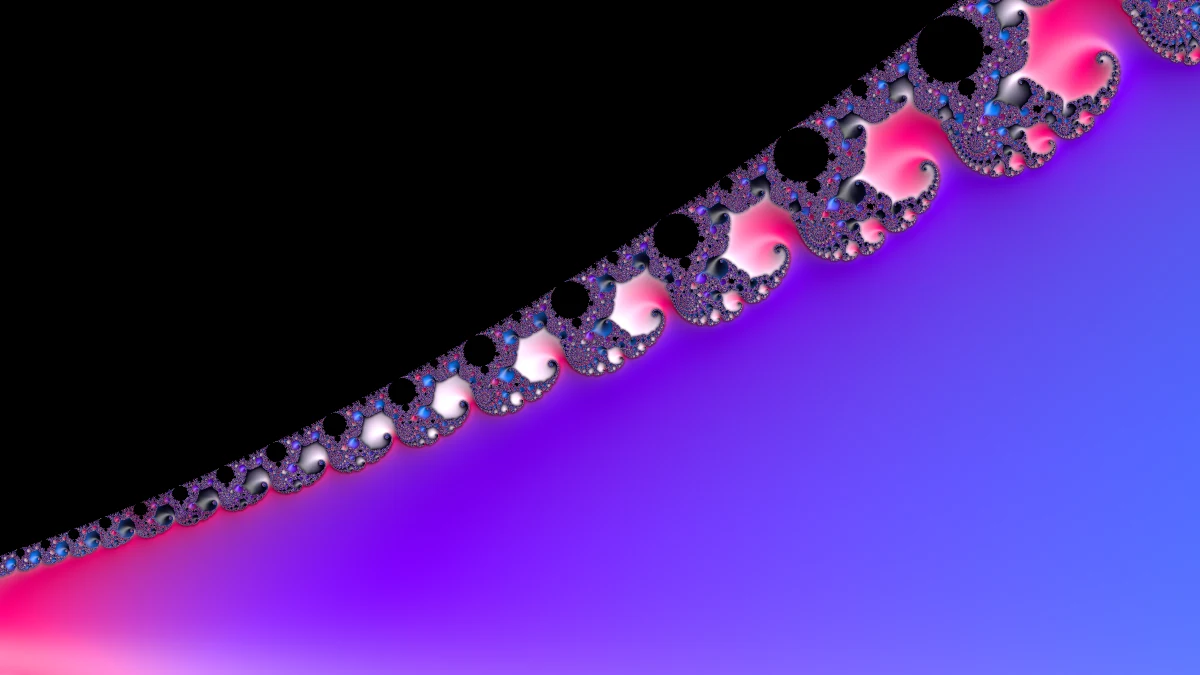
Distance estimates and relief lighting
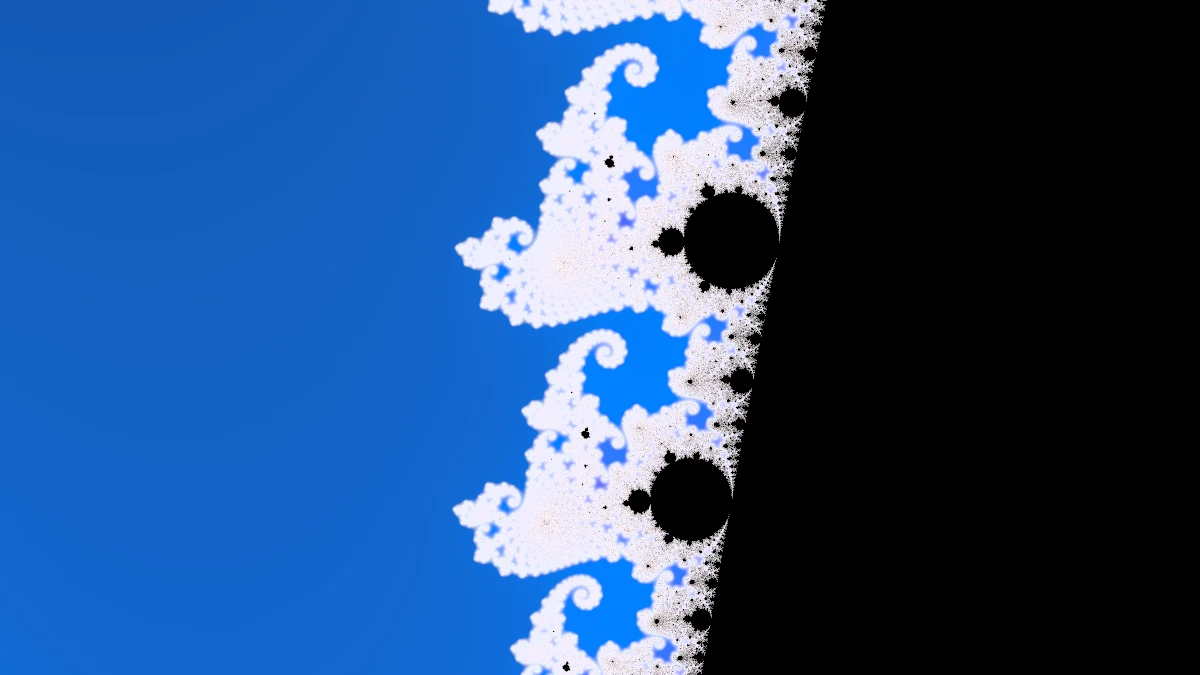
Each step also carries along the 2 × 2 Jacobian, a small table of numbers that records how strongly a tiny change in the starting point is magnified. From the Jacobian size the explorer gets a distance estimate, roughly how far each pixel is from the set:
Plain text: d ≈ |z| ln|z| / |J|
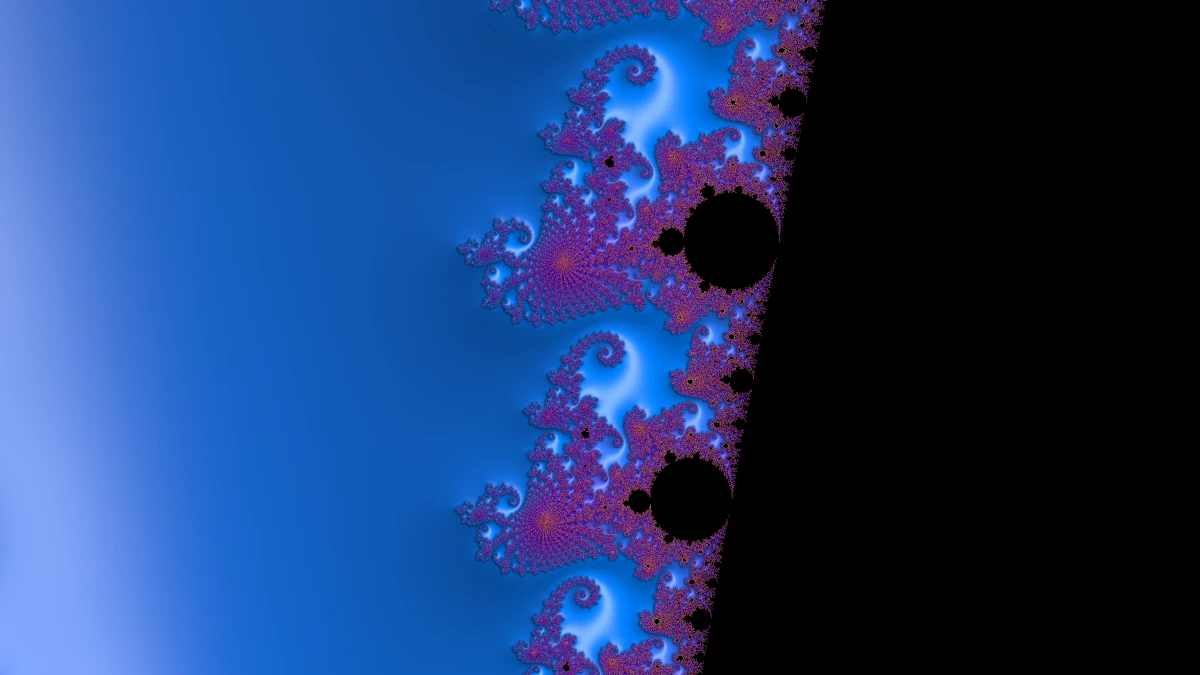
That shows up as thin bright filaments in Filaments shading, structures a plain escape count misses. For Relief shading the smooth glow of the escape potential is treated as a hilly landscape. Its slope direction, which is proportional to , becomes a surface normal, and ordinary diffuse and specular lighting from an adjustable light angle makes the edges look three-dimensional.
Progressive anti-aliasing
While you drag or zoom, the explorer draws a fast, rough preview. Once the view is still, it adds extra samples at jittered positions inside each pixel and averages them: 1, 4, 8 or 16 per pixel, your choice in the Detail section. This is anti-aliasing. The work is split into small bands, so the page stays responsive.
Going very deep: perturbation theory
Computers store most numbers with about 7 (32-bit) or 16 (64-bit) significant digits. At a magnification of 1030, neighboring pixels differ far beyond that, so ordinary arithmetic collapses into blocks. The trick, perturbation, is to do the hard arithmetic only once.
The explorer computes a single reference orbit at the center of the view with very high precision, using big integers (BigInt), with more digits the deeper you go. Every pixel then follows only its small difference from that orbit, and a short calculation shows how the difference evolves:
Plain text: z = Z + δ, and δ' = 2·Z·δ + δ² + δ_c
Because is tiny, ordinary floating-point numbers are accurate enough. On the GPU each is stored as a mantissa and an exponent, to reach values smaller than 32-bit floats allow. The folded fractals use a helper for that avoids losing digits to cancellation.
A single reference is not always representative. When a pixel's own orbit comes closer to 0 than to the reference orbit, the difference stops being small. The explorer then rebases the pixel: its difference becomes its full value , and it restarts against the beginning of the reference orbit. That removes the glitches plain perturbation produces, so any reference point is valid and the current one is reused until the view drifts too far from it. The reference is computed in a background worker, so the page does not freeze.
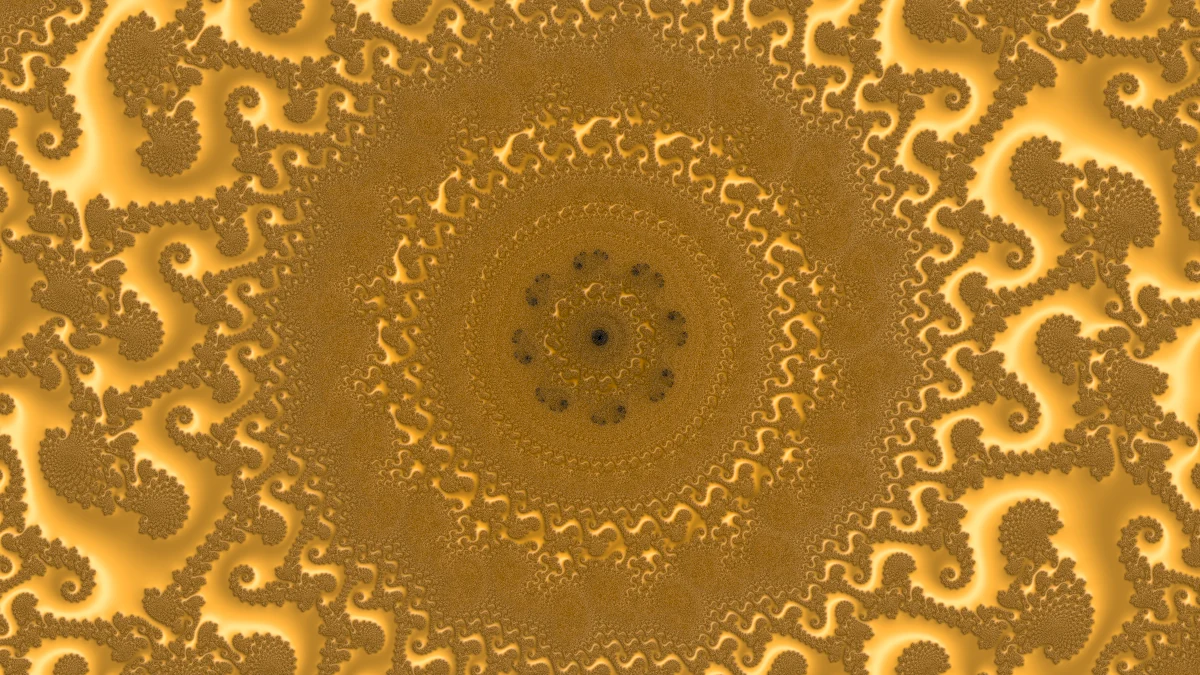
With this method, power-2 fractals can go to about 10300. Other powers use direct iteration and stop at the limit of floating-point precision, and the explorer tells you when you reach it.
Two engines and an exact triangle
The default GPU engine iterates millions of pixels in parallel in a WebGL2 shader. The CPU engine splits the picture across worker threads using 64-bit numbers: slower, but it works without WebGL. The Sierpiński triangle uses neither escape-time iteration nor perturbation, only exact binary-digit arithmetic, as that page explains.
In the explorer
Try this: open the side panel with P to change the shading, the color mapping, the palette and the anti-aliasing level, and press ? for the full list of shortcuts. Your whole view is stored in the page address, so Copy link shares it exactly.
Unfamiliar words are collected in the glossary.